Unlocking SREF Magic: Stack, Tweak, and Go RAW with Midjourney
You’ve tossed a random SREF code into your Midjourney prompt and maybe a masterpiece emerged—or maybe it’s one of those “Bot, you do whatever you want” days.
Let’s stop guessing and start dialing in deliberate, snazzy results. Here’s how:
1. Layering SREF Codes = Style Fusion on Steroids
An SREF code is your prompt’s secret style injector—like turning your visual output from black and white TV into 4K Technicolor.
Want to blend styles? Just stack them:
… --sref 445837760 3700097971
Mixing two or three codes creates a hybrid aesthetic. Pro tip? That’s your visual gumbo; balance those flavors like a maître d’.
2. Control the Flavor with Weights (Intensity Dial)
Need one style louder, the other a subtle whisper? Add :: and a weight number:
--sref 123456::2 987654::1
Want something gentle? Try weight under 1 like 0.5. Or go full blast—any positive number works. Medium
3. The Real Volume Knob: --sw (Style Weight)
Think of the --sw parameter as your volume slider for style. Range: 0 to 1000 (default = 100).
- Crank it: style dominates
- Lower it: prompt nuances shine through
Word on the digital street? Sweet spot hover between 65–175, but hey, feel free to jam. Midjourney SREF+5midlibrary.io+5Midjourney+5Medium+1
4. RAW Mode: Peel Off the AI Polish
Midjourney's Standard Mode auto-glams your image. RAW Mode? It’s like "let me see the engine, not the paint job."
Use --raw after your prompt—or toggle it in settings—to cut the autopilot and get more prompt-direct results. It’s control, pure and unfiltered. Reddit+3Midjourney+3YouTube+3
Midjourney veterans say:
“Raw mode looks like what version 5 was… but a little better. Opinionated 5.1 prettified things more.”
Your Cheat Sheet: From Prompt to Pro
| Feature | How to Use | What It Does |
|---|---|---|
| Stack SREFs | --sref 111 222 |
Mix styles like a creative DJ |
| Weighted SREFs | --sref 111::2 222::1 |
Prioritize style influence like a slider |
| Style Weight | --sw 150 |
Turn the volume of the style up or down |
| RAW Mode | Add --raw or toggle in settings |
Strip the extra polish, get raw output |
TL;DR
You’re now an SREF maestro. Stack them, weight them, mix in style weight, and flip to RAW to unchain Midjourney from its usual polish.
Get ready to experiment for at least three hours—because you're not just generating images; you're crafting art with control. And yes, it's addictive (but worth every pixel).
Now go forth, and don’t let Midjourney run the show—you’re the one calling the shots.
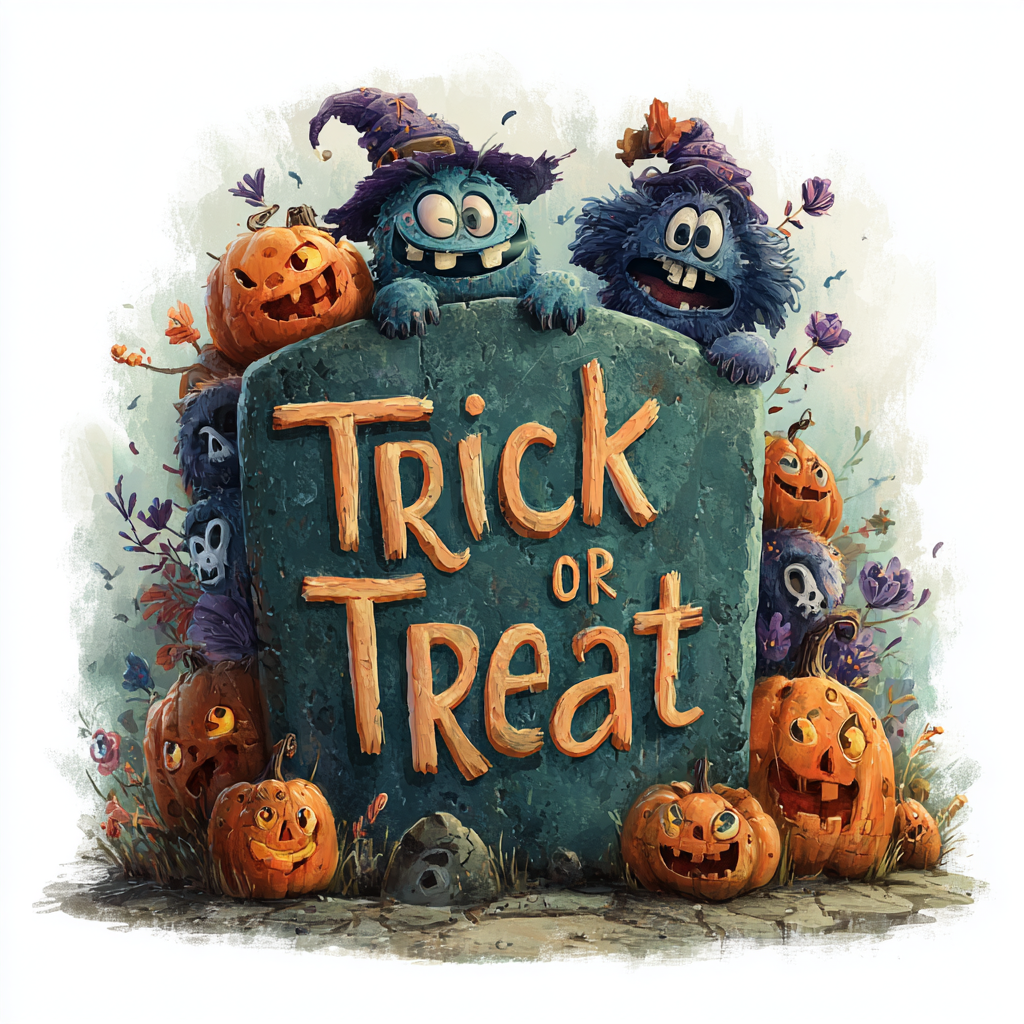
Using this Midjourney prompt:
halloween-decorated tombstone with text "trick or treat", in purple and green colors, in a cartoon style vector illustration on a white background. a cartoon character in a witch hat surrounded by pumpkins, isolated on a white background. halloween concept design element for t-shirt prints, posters, banners, greeting cards, and more. detailed, hyper-realistic, cartoon style, with a transparent png background and white space around the edges.
Halloween trick or treat 1
With no –sref code

Halloween trick or treat 2
with –sref 445837760

Halloween trick or treat 3
with –sref 603772894
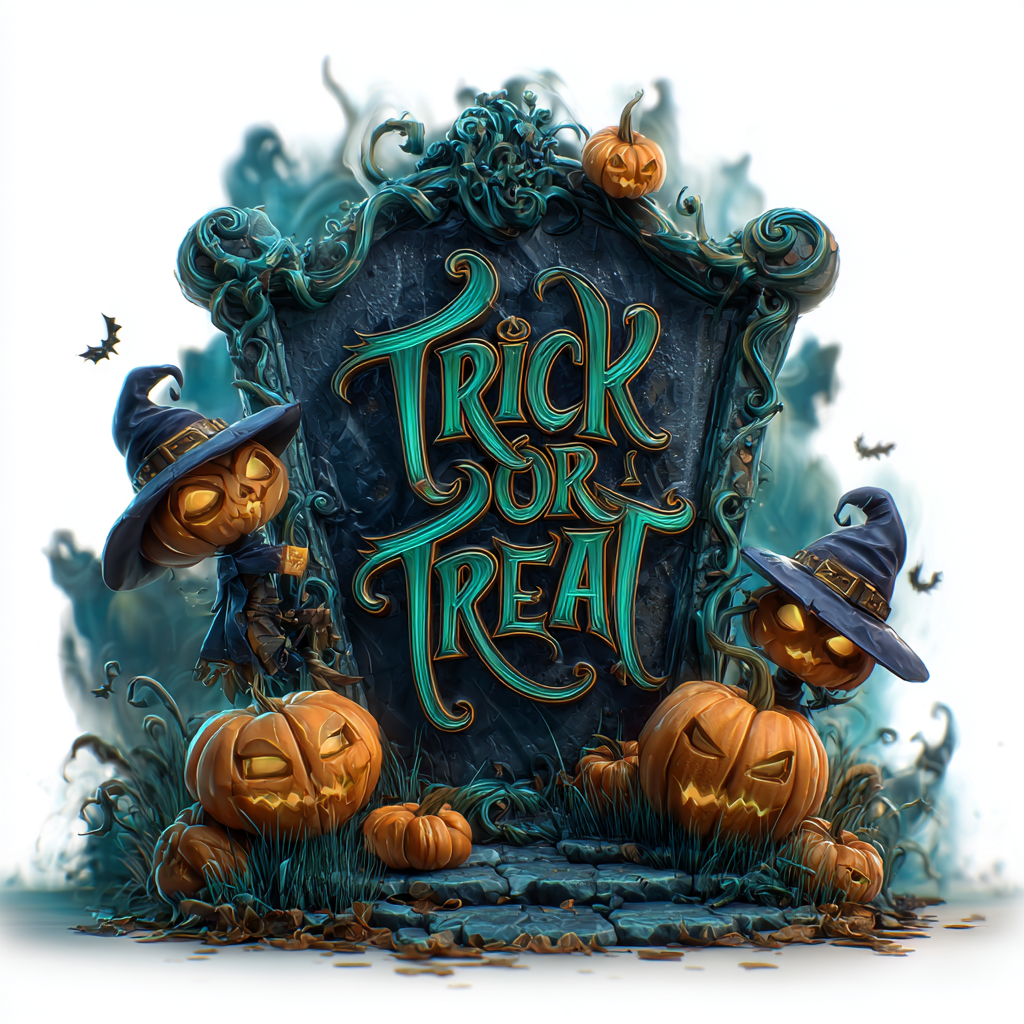
Halloween trick or treat 4
with –sref 603772894 3307463974
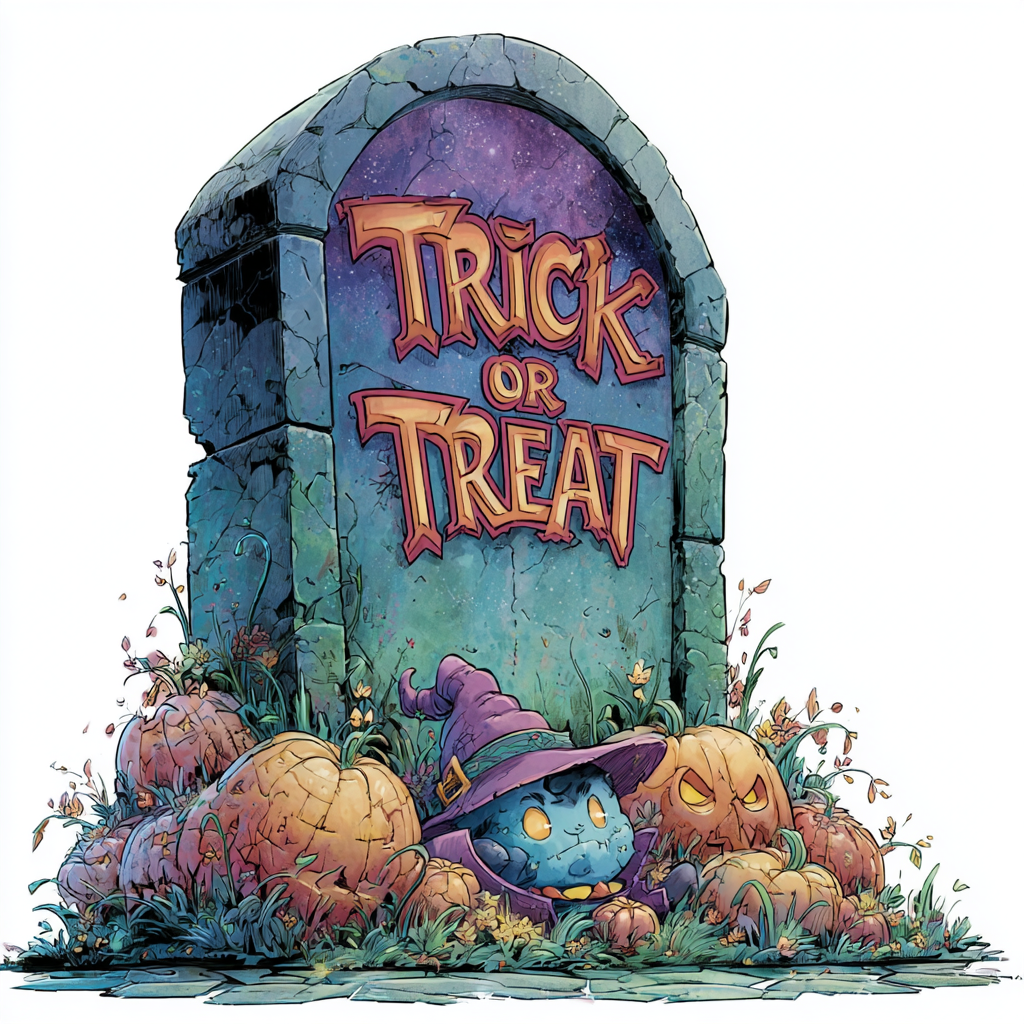
Halloween trick or treat 5
With –sref codes 445837760 3700097971
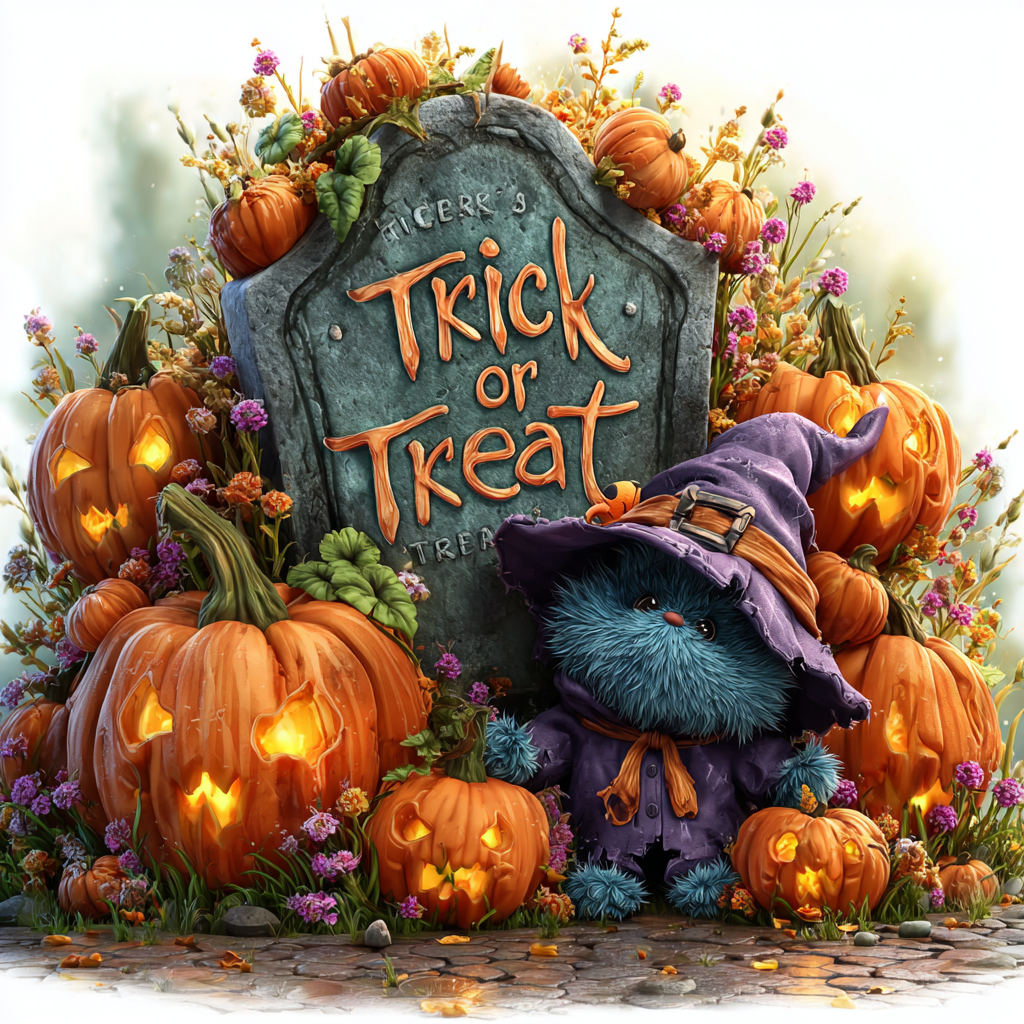
Halloween trick or treat 6
–sref 2387640720